
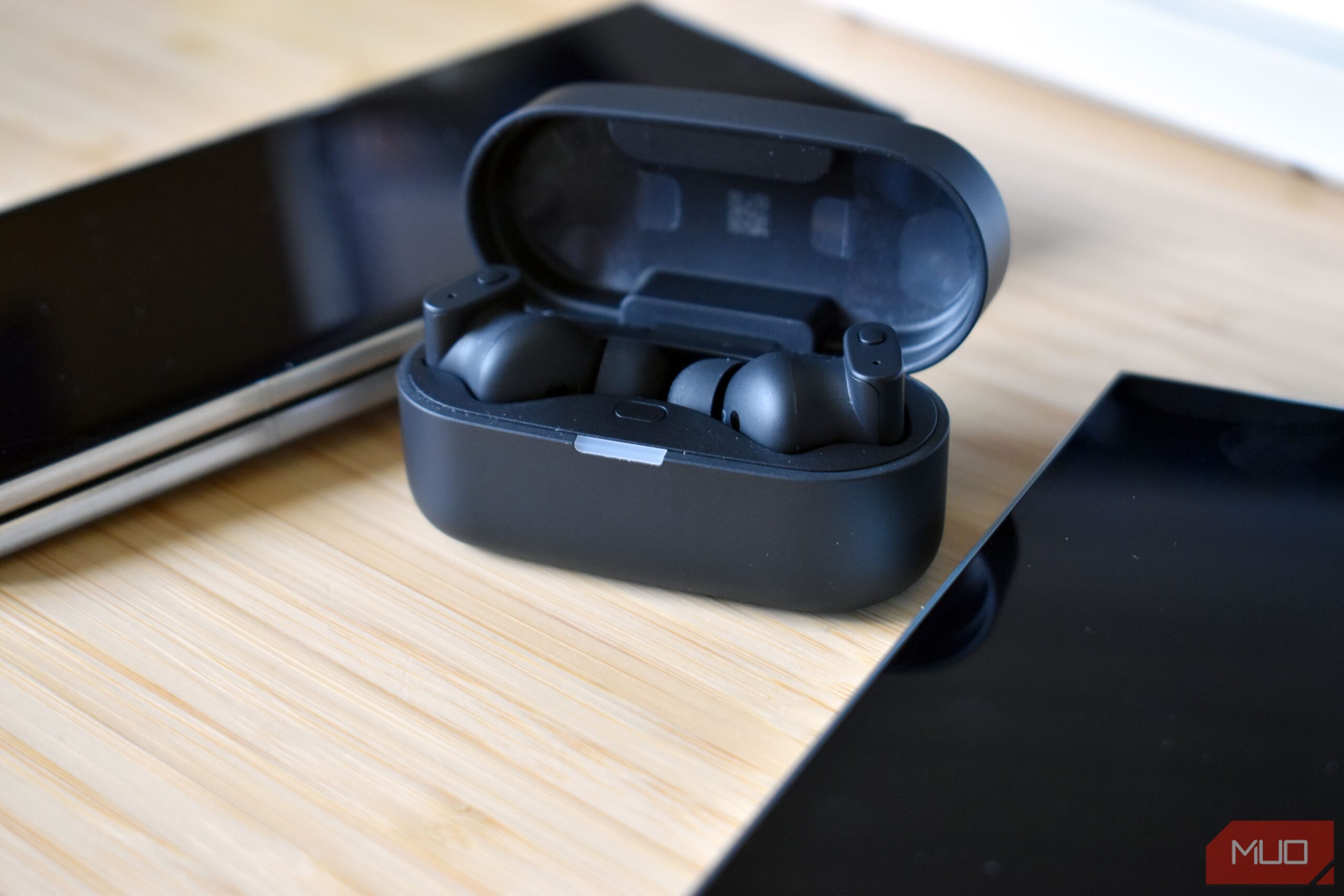
Your earbuds might be hiding a free battery boost, and your phone probably is not using it. LE Audio, a newer Bluetooth standard built for lower power use and lower latency, is often switched off by default even on phones that support it. One user turned it on and got two extra hours of playtime from the same earbuds.
Wireless earbuds in case (Credits: MakeUseOf)
LE Audio on Android: The Hidden Battery Boost for Your Earbuds
Bluetooth audio now comes in two modes. Classic Audio uses the older Bluetooth Classic radio, while LE Audio uses the Bluetooth Low Energy radio. Think of it as a more fuel-efficient route to the same destination: you still get your music, but your earbuds burn less energy getting it to your ears.
The real star is LC3, the codec LE Audio uses instead of the old SBC. LC3 can deliver better audio quality than SBC at a 50 percent lower bit rate, according to Fraunhofer, the institute that co-developed it. Less data means the earbuds’ chips do not have to work as hard, and that is where the battery savings come from.
How to Turn On LE Audio on Android
First, check that both your phone and earbuds support it. Android 13 was the first version with built-in LE Audio support, and you should look for “LE Audio” or “LC3” by name on the spec sheet, since merely having Bluetooth 5.2 does not guarantee it.
To turn it on, open Settings, head into Connections, select Bluetooth, and tap the gear icon next to your earbuds. If there is an LE Audio switch, turn it on. Note that these steps are for a Samsung Galaxy phone, and menu names change from brand to brand. Some brands hide the option in their own app: for Sony headphones, for example, you open the Sound Connect app and pick the LE Audio priority setting, and some models may need to be unpaired and reconnected.
One catch: most LE Audio earphones are dual-mode, so your phone can fall back to the older A2DP or HFP connections even when your earbuds are fully capable. If your earbuds keep dying sooner than they should, it is worth checking whether LE Audio is actually switched on. Two extra hours is a big payoff for a setting that takes less than a minute to flip.
Also Read: I Stopped Accepting My TV’s Default Software After Discovering What USB Sideloading Could Do
Source: MakeUseOf — read the full story there.


