Do your phone photos really show what you saw, or what an AI thinks you should have seen? That question pushed one Galaxy owner over the edge. After his phone’s AI processing kept reshaping his shots with glossy auto filters he never asked for, he ditched the stock camera for an open-source camera app instead, and he has not looked back.
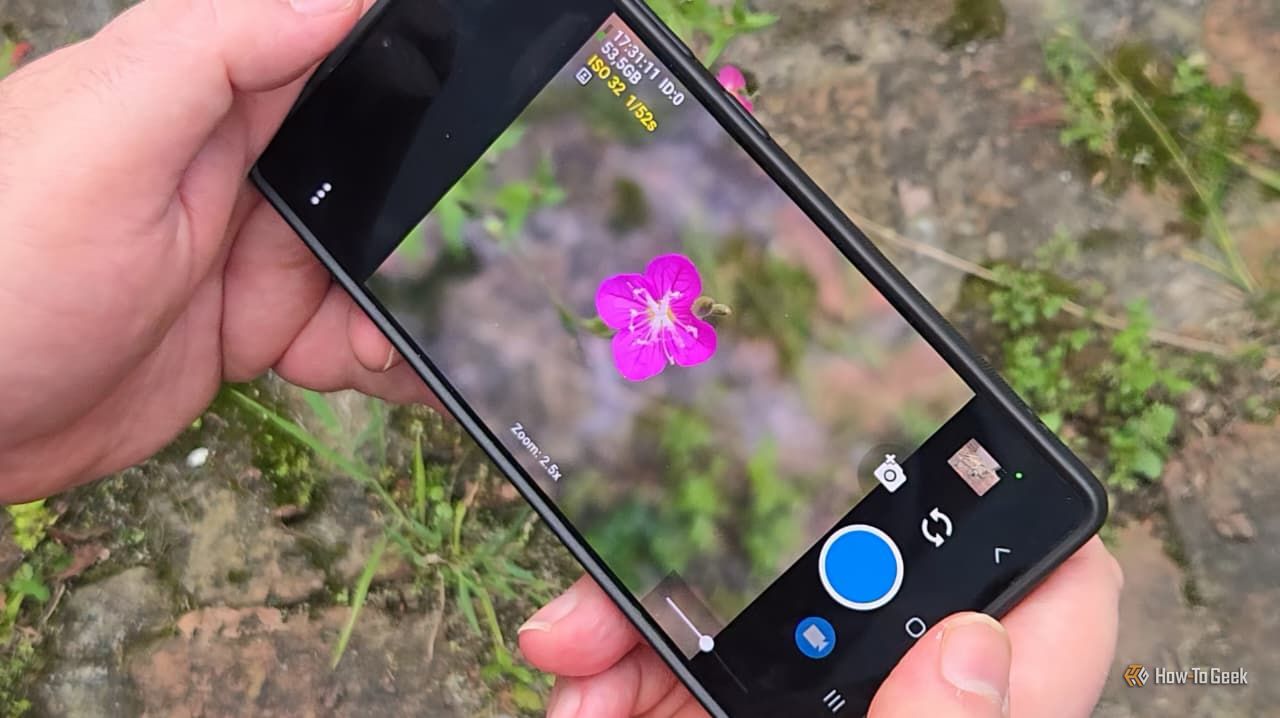
Galaxy phone camera (Credits: How-To Geek)
Galaxy AI Photos: When Your Phone Decides What Looks Good
We live in the age of computational photography, where every phone applies its own algorithmic secret sauce to your pictures. A Pixel, an iPhone, and a Galaxy can photograph the same scene and produce very different results, and most of that difference is software, not optics.
Samsung’s moon-photo controversy is the famous example. When the AI detected a moon shot, it used deep learning to render what the moon would look like if the camera could actually resolve it, producing detail the optics alone could not capture. Samsung is far from the only company doing this, but it crystallizes the discomfort: sometimes you just want the photo to be what the camera saw, not what an AI thinks you should see.
Why a FOSS Camera App Fixed the Problem
The switch came down to control. The open-source camera app trades glossy auto filters for granular focus control and manual tuning that match the author’s shooting style. Instead of the phone deciding the look, the photographer does, with settings that stay put from shot to shot.
That trade-off is not for everyone. You lose the convenience of point-and-shoot perfection, and you have to learn what the controls do. But if you have ever felt your phone was editing your memories without permission, an open-source camera app is a way to take the camera back.
The broader lesson applies beyond Samsung. If your phone’s photos keep looking a little too polished, a little too smooth, or a little unlike what you remember, check what your camera app is doing behind the scenes. The fix might be as simple as a different app, and one that answers to you.
Also Read: Yourcast 2.0: The Telegram Podcast Bot Now Adds AI Summaries With Tap-to-Jump Timestamps
Source: How-To Geek — read the full story there.