
Tech
OpenAI Computer History: What ChatGPT Records on Your Mac

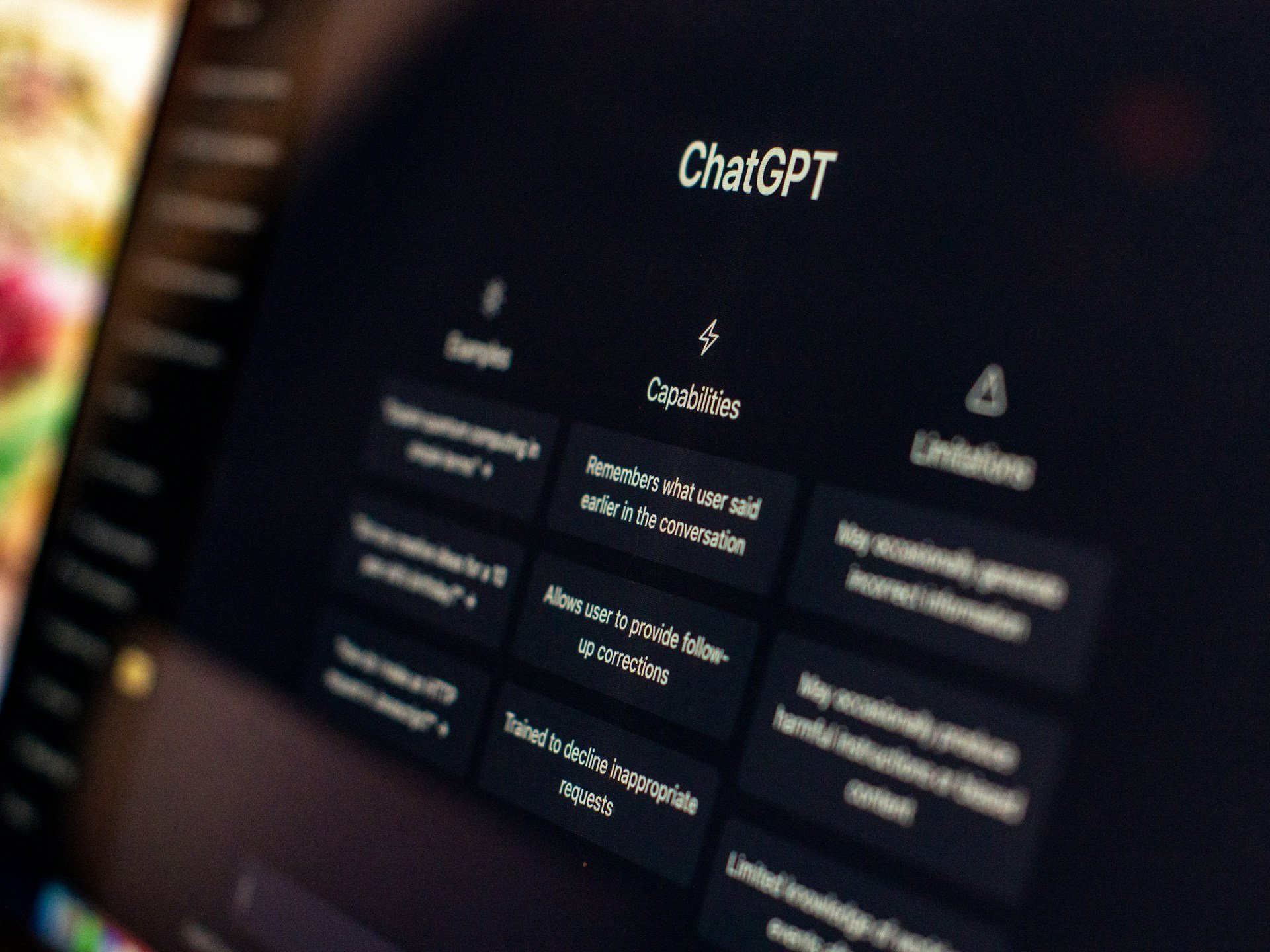
OpenAI has rolled out Computer History, a new opt-in feature for the ChatGPT desktop app on macOS that records activity across permitted apps and websites, turning it into a searchable timeline and local memories for ChatGPT and Codex. The feature requires ChatGPT Memories to be enabled.
Users can ask questions such as what they were working on before a break, where they last saw a document or what they accomplished during the day. ChatGPT can use the activity timeline to identify the relevant file, conversation or website and then access that source directly.
OpenAI says Computer History replaces its earlier Chronicle research preview, but the two work differently. Chronicle relied on screenshots, while the new system records interaction events such as clicks, typing, keyboard shortcuts and app switching through macOS accessibility features.
“Computer History doesn’t rely on screen or audio capture. Instead, it captures interaction events like clicking, typing, app switches, and more, so it can capture memories faster and more efficiently,” OpenAI’s Dominik Kundel said in an announcement video.
From memory to automation
The more interesting part of Computer History may be what happens after ChatGPT learns a user’s routine. When the system spots a repeated workflow, it can suggest turning it into a skill or automation. Users can then ask Codex to build a reusable workflow based on the recorded activity.
That pushes ChatGPT beyond simply remembering previous work. It gives the system a way to learn how a person performs tasks and potentially reproduce those steps later. For businesses, that could make repetitive processes easier to automate, extending ChatGPT’s growing role across connected office apps, files and websites. For individual users, it could reduce the friction of returning to unfinished work or finding something they vaguely remember seeing.
The privacy trade-off
OpenAI has built several controls around the feature. Users choose which apps and websites contribute, can pause collection from the macOS menu bar and can delete individual entries or larger periods of history. Private-mode browsing is excluded automatically.
The company also says Computer History does not capture screenshots, screen recordings, microphone input or system audio. Temporary event files remain on the Mac for up to 48 hours before deletion after processing, while generated memory files remain locally until the user removes them.
But the local storage comes with an important caveat: OpenAI says the memory files are plain-text and are not encrypted by Computer History. Other programs running under the same macOS user account may potentially access them. OpenAI also warns that the feature increases the risk of prompt injection because malicious instructions on websites or inside applications could enter the context available to ChatGPT or Codex.
A new bet on personal AI
Computer History signals a broader shift in how OpenAI sees AI assistants. Instead of waiting for users to explain what they need, ChatGPT can build context from the work already happening around it.
That could make AI agents considerably more useful, but it also raises the cost of a mistake. The more an assistant knows about someone’s daily workflow, the more valuable its memory becomes, and the more carefully that memory needs to be protected.
For users, the practical choice is therefore less about whether Computer History is useful and more about where its usefulness outweighs the privacy and security trade-offs. OpenAI has made the feature optional and controllable, but its own warnings suggest that selective use may be wiser than simply switching it on everywhere.
The feature is available to ChatGPT Pro, Business and Enterprise users, although Business and Enterprise administrators must first grant access before employees can enable it. It is off by default and currently unavailable in the European Economic Area, Switzerland and the United Kingdom.
Read more: Computer History’s prompt-injection warning reflects a broader agent-security problem, as OpenAI’s GPT-5.6 tests found higher attack success rates when malicious instructions came through tools and external content.
>
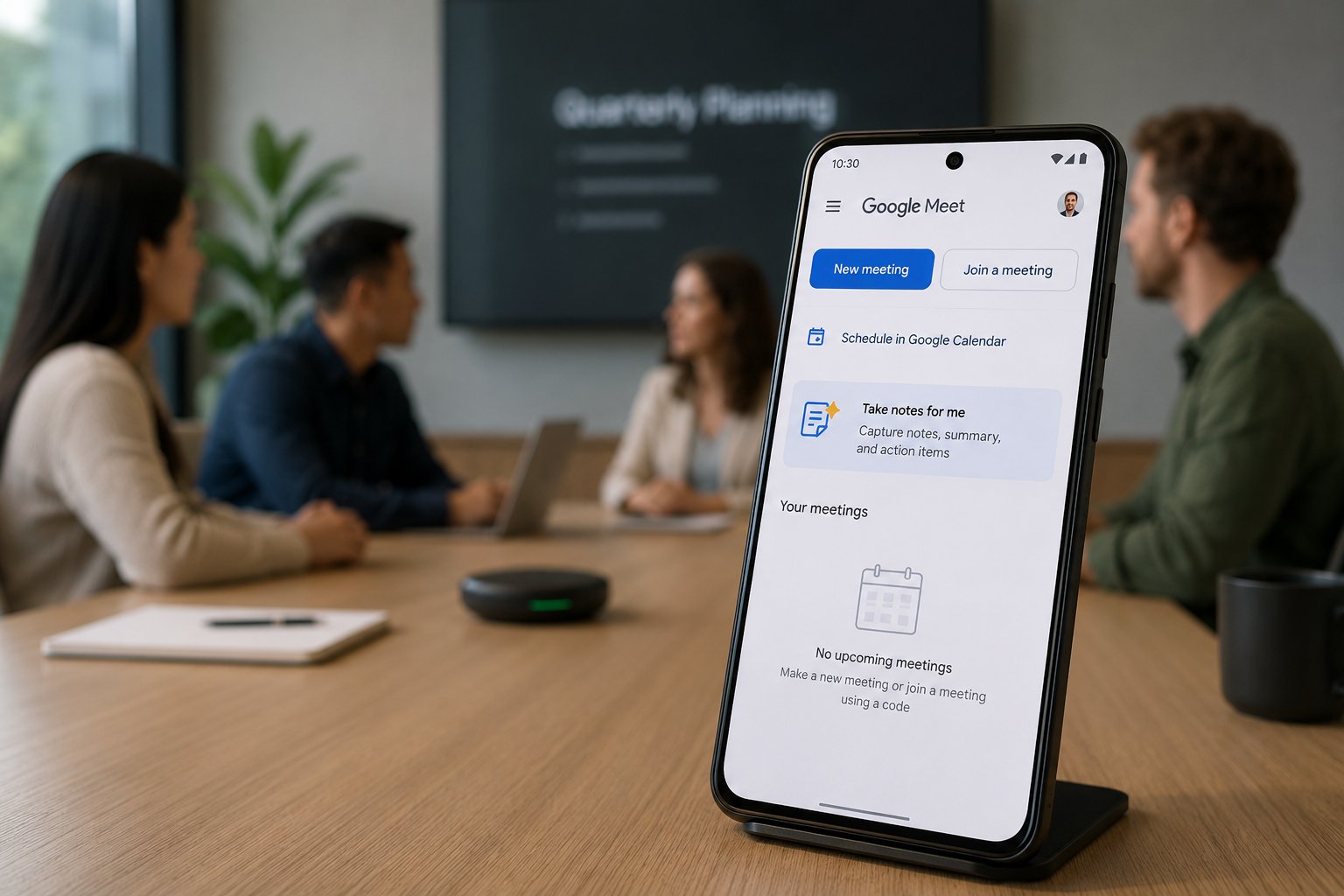
Google Meet’s Gemini-powered “Take notes for me” is expanding beyond video calls to capture in-person conversations. Users with access can start notes from the Meet home screen on mobile or desktop, and Google says the feature can also document conversations hosted on Zoom or Teams.
Gemini turns the conversation into a Google Doc with a summary and action items. Access depends on an eligible Google Workspace edition or Google AI plan and administrator settings.
How to take in-person meeting notes with Google Meet
Google announced the expansion at Cloud Next 2026, alongside broader Workspace AI upgrades. Once the feature is available on your account, the process is straightforward:
- Open Google Meet. Launch Meet on a supported mobile device or desktop and stay on the home screen. You do not need to start or join a video call.
- Select “Take notes for me.” Choose “Start taking notes” to begin capturing the in-person conversation. Place the device where it can clearly hear participants so Gemini can document the discussion accurately.
- Pause or stop capture when needed. Google’s current instructions say “Pause” pauses both transcription and note-taking. Selecting “Stop” ends the session after confirmation.
- Open the generated notes. After the session, Gemini creates a Google Doc containing the meeting notes and action items. The document is emailed to the person who started the session and saved in that user’s Drive.
If a remote participant needs to join, the session can transition into a normal video call. Google also says the same note-taking workflow can run while a meeting is hosted on Zoom or Teams.
The feature supports English, French, German, Italian, Japanese, Korean, Portuguese, and Spanish, but only one language at a time.
Teams that regularly switch languages should not assume the generated notes will capture the full discussion accurately. Google also says generated documents follow the organization’s Meet retention policy.
What admins should check before using it in a room
Google now lets Workspace admins require explicit participant consent before note-taking, recording, or transcription begins on supported devices. The setting is off by default and can be applied at the domain, organizational-unit, or group level.
A physical-room participant who never joins from a device may not see an on-screen consent prompt. Organizations should therefore establish a room-level notice and consent process before capture begins and confirm any applicable workplace, privacy, or recording requirements with legal or compliance teams.
Admins can also set the default audience for generated notes to internal guests, all invited guests, or hosts and co-hosts, and can prevent hosts from overriding that choice. Before broad deployment, verify those sharing settings and the organization’s retention policy with a test meeting.
Google warns that AI-generated meeting summaries can be incomplete or inaccurate. Run a pilot in both a quiet room and a noisier space, compare the notes with what was actually said, and confirm who receives the document afterward.
Review generated notes before using them for sensitive, legal, or personnel decisions.
Also read: Google says Gemini has surpassed 1 billion monthly active users, making it the company’s 14th product to reach that milestone.
>
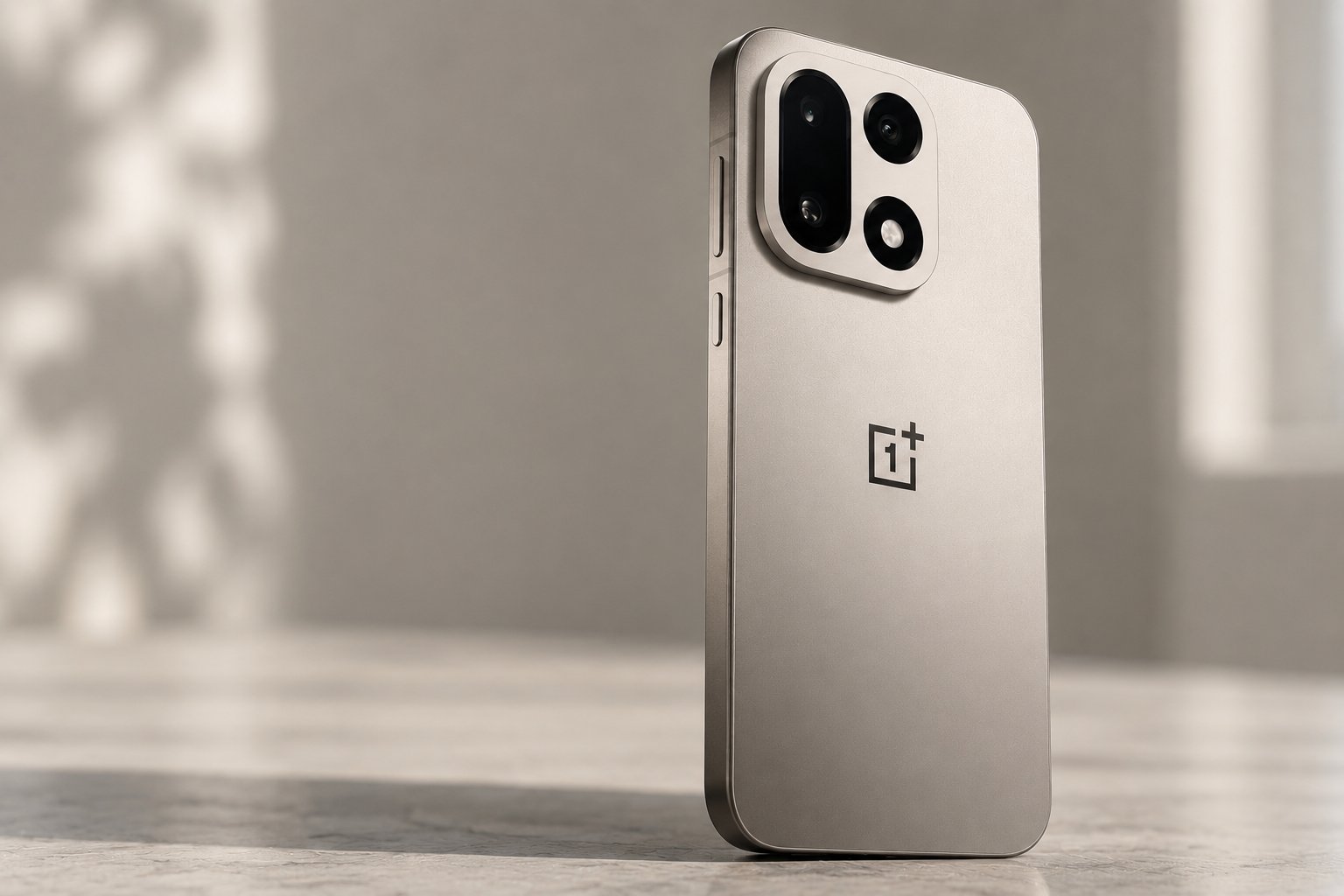
Leaks suggest the OnePlus 16 is getting a major battery upgrade, with capacity reportedly jumping to around 9,000mAh.
A battery that size would be roughly 23% larger than the OnePlus 15’s 7,300mAh pack. The rumored phone is also expected to feature a 200MP main camera, a 185Hz BOE display, Qualcomm’s Snapdragon 8 Elite Gen 6 Pro chip, and LPDDR6 RAM. Most details remain unconfirmed, and reports suggest the flagship may initially stay in China.
OnePlus 16 could pack a much larger battery
Notebookcheck reported that the OnePlus 16 is expected to feature a battery of around 9,000mAh, alongside Qualcomm’s Snapdragon 8 Elite Gen 6 Pro processor and LPDDR6 RAM.
That would be a big jump from the OnePlus 15’s 7,300mAh battery. Gadgets 360 noted that the current model supports 120W wired and 50W wireless charging.
The reports do not give charging speeds for the OnePlus 16, so the larger battery tells us little about how quickly it will recharge. Actual battery life will also depend on the display, processor, and software tuning.
A 200MP camera and 185Hz display are also tipped
Notebookcheck also listed a 200MP main camera among the OnePlus 16’s expected specifications, up from the 50MP main camera used on the OnePlus 15.
The report does not support earlier claims of a 200MP telephoto camera, so the sensor’s exact role should not be treated as confirmed until OnePlus provides official details.
OnePlus has provided more support for the 185Hz display claim. Notebookcheck reported that OnePlus China president Li Jie confirmed the refresh rate, while tipster Digital Chat Station said OnePlus and BOE jointly developed a new X4 light-emitting material for the panel.
According to Android Headlines, the X4 material is claimed to use less power, last longer, and outperform Samsung’s M-series display material in internal testing. No independent testing has confirmed those claims yet.
Gadgets 360 also said that the display could have slimmer bezels on all four sides while retaining a flat design.
The OnePlus 16 may stay in China
Notebookcheck said that the OnePlus 16 has received SRRC certification in China under model number PYB110, another sign that the phone may be getting closer to launch. Pricing is expected to start at around $815 for a 12GB RAM and 256GB storage configuration.
Whether it will launch outside China is another question. Notebookcheck and Android Headlines both suggested the flagship could remain focused on the Chinese market.
OnePlus has yet to confirm most of these specs. If the leaks hold up, the OnePlus 16 would push battery capacity, display speed, and camera resolution well beyond its predecessor.
For more on what OnePlus already offers, check out our OnePlus 15 cheat sheet, which covers its features, OxygenOS, pricing, and more.
>
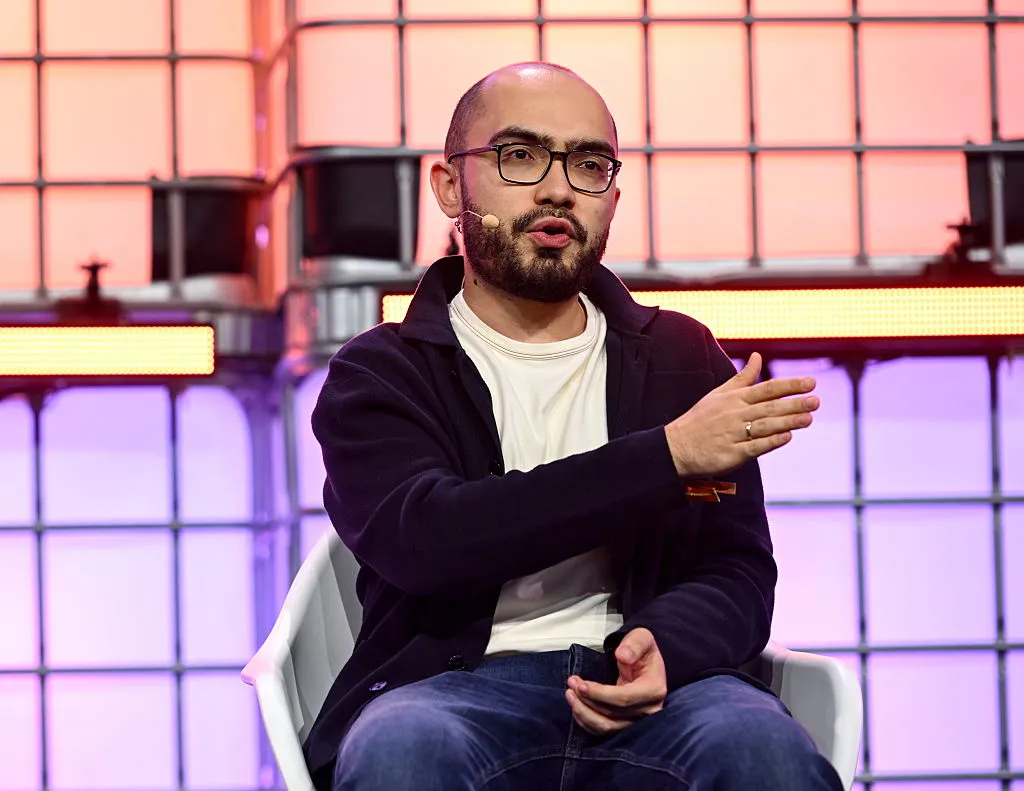
Higgsfield announced Monday that it has raised a $400 million Series B at a $5.4 billion valuation. This new round is just eight months after nabbing a $1.3 billion valuation.
Higgsfield, founded by former Snap exec Alex Mashrabov in 2023, lets users create AI images and videos. It made headlines this past year for premiering AI-generated movies at both Cannes and in New York. It has tools like the Cinema Studio to help filmmakers direct AI films and the Marketing Studio for marketing and advertising teams. In a release announcing the round, the company touted $700 million in annualized revenue and 30 million users across 200 countries.
One growing market for the company has been enterprises. It is now working with 390 of the Fortune 500, it said. Mashrabov told TechCrunch that Higgsfield expects “enterprise adoption of video AI to become much more deeply embedded in everyday marketing and creative workflows.”
The fresh capital will fund the usual business needs like hiring and product development. But it will also help pay for compute. “Video is one of the most compute-intensive domains in AI,” Mashrabov explained. Just one minute of video is like processing 60,000 words. Securing reliable compute capacity has therefore become a necessary expense to remain competitive with others in the industry like Synthesia and Runway.
DST Global led the latest round, with many other investors piling in including Goldman Sachs Alternatives, Valor Capital, and Tribe Capital.
>

Commanders to release K Jake Moody, give starting job to rookie Drew Stevens

How to Take Notes for In-Person Meetings With Google Meet

‘Mormon Wives,’ ‘Love Island’ Stars Sign With Select Management Group
-

 movies3 months ago
Search For Canadian TV Actor Stewart McLean Now Homicide Investigation
-

 Fashion9 years ago
These ’90s fashion trends are making a comeback in 2017
-
Fashion9 years ago
According to Dior Couture, this taboo fashion accessory is back
-
Fashion9 years ago
Model Jocelyn Chew’s Instagram is the best vacation you’ve ever had
-
Fashion9 years ago
Emily Ratajkowski channels back-to-school style
-
Fashion9 years ago
9 Celebrities who have spoken out about being photoshopped
-
Fashion9 years ago
Your comprehensive guide to this fall’s biggest trends
-
Fashion9 years ago
A photo diary of the nightlife scene from LA To Ibiza