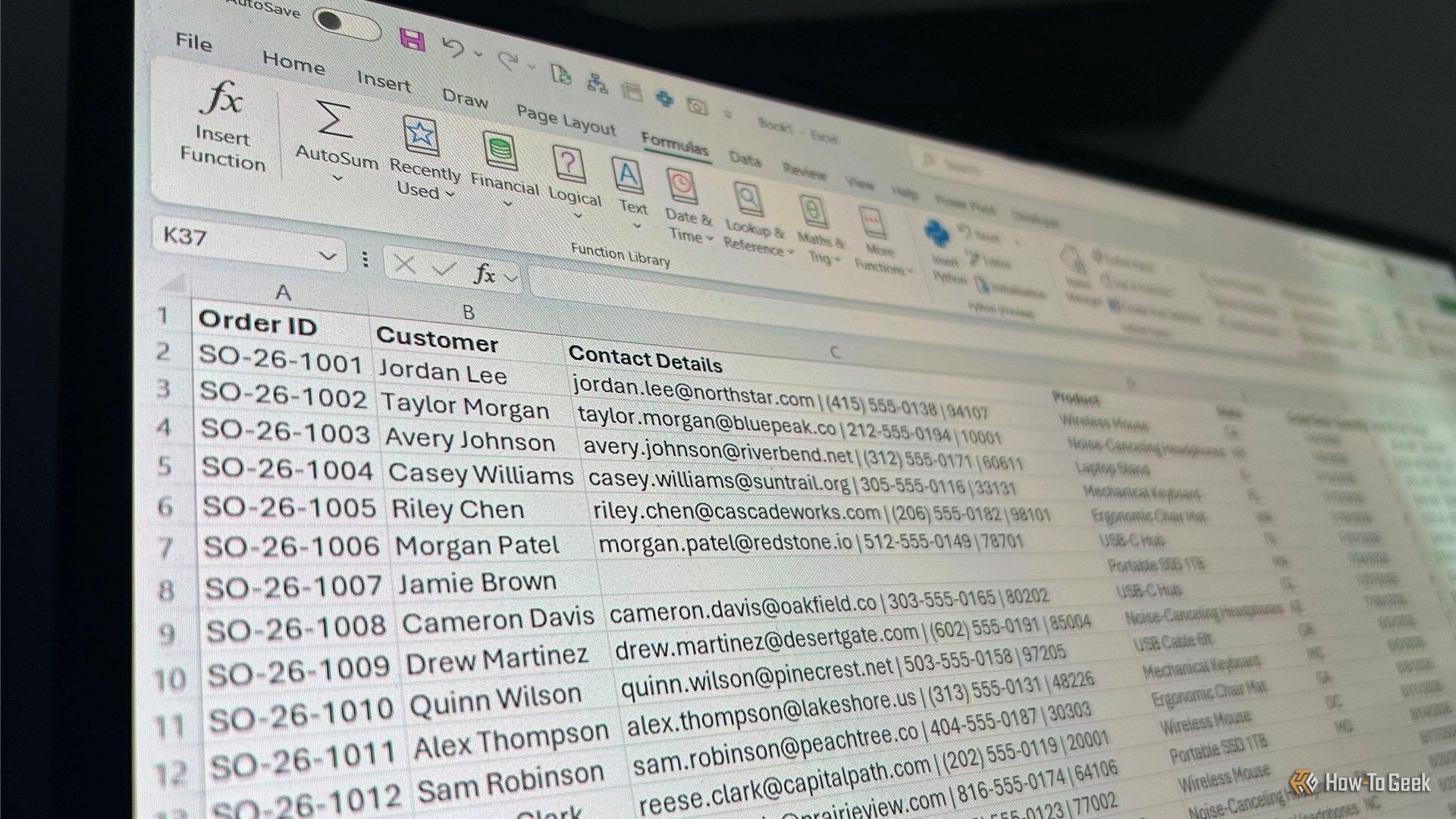
Spending your mornings rebuilding the same Excel report by hand? You no longer need macros or VBA to automate it. Three tools now write the Python for you — from a spreadsheet-style notebook to an AI assistant living inside Excel itself. Here’s what each does, what it costs, and who should use it.
No-code Python tools for Excel: Mito, Microsoft Copilot in Excel, and Julius compared.
1. Mito: A Macro Recorder That Outputs Python Instead of VBA
Mito takes the classic macro-recorder idea and swaps VBA for Python. It’s a spreadsheet interface that runs inside Jupyter notebooks, Streamlit and Dash apps: every edit you make in the grid — a VLOOKUP, a column filter, a pivot table, a chart — is converted into equivalent Python code in the cell below. Re-run that code next month on a fresh data export and the whole report rebuilds itself.
That makes it a natural fit for analysts who burn days rebuilding identical monthly reports. Because the generated code stays visible, people who never planned to learn Python can pick up the syntax just by watching it appear. Mito also bundles an AI chat assistant that generates or fixes code from a plain-English description. The main hurdle is setup: Mito is a set of Jupyter extensions installed with a pip command (the mito-ai and mitosheet packages), so anyone who has never opened a notebook faces a short learning curve.
Pricing, per How-To Geek: the core is open source, and the free plan includes the basic spreadsheet plus 150 AI completions per month. Pro costs $20 per user per month with unlimited completions, the advanced spreadsheet and an option to turn off telemetry. Enterprise customers can connect their own language models — including locally deployed ones — so data never leaves their systems. (Credits: How-To Geek)
2. Microsoft Copilot in Excel: Python That Writes Itself From Plain English
The second option lives inside Excel itself. Python in Excel, built with Anaconda, lets Python run directly in cells — and Copilot now writes that code from a plain-language request. Ask it to remove duplicates, reshape a table or chart a trend, and the assistant inserts the Python, runs it and writes the results back into the workbook. The generated code stays visible and editable, so anyone who knows Python can tweak it.
3. Julius: Answers From a Chat Box
The third tool, Julius, works for anyone who wants answers from a chat box — describe the transformation and get the analysis back. Between the three: Mito suits analysts who want reusable scripts, Copilot fits teams already inside Microsoft 365, and Julius fits anyone who just wants to ask and get answers. All three lower the coding barrier — but none removes the need to check the results.
One caveat to keep in mind: with cloud AI tools, be careful about what data you upload. That concern doesn’t apply to Copilot inside an existing Microsoft 365 tenant, or to Mito’s Enterprise option with a locally deployed model.
Also Read: 3 Free Excel Add-Ins That Make Spreadsheets Faster: Mini Calendar, People Graph and Analysis ToolPak
Source: How-To Geek — read the full story there.