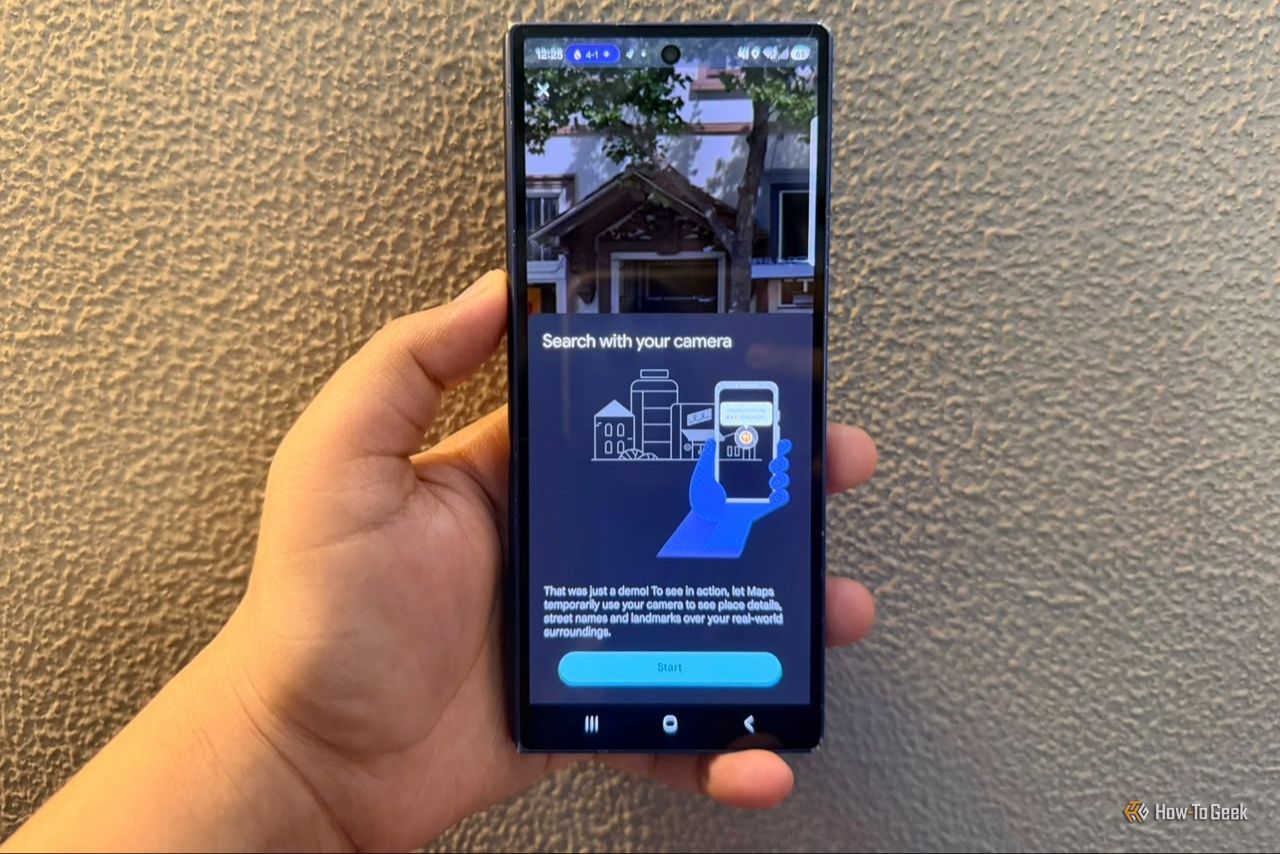
If you open Google Maps every day but only use it to search destinations and check traffic, you’re missing its best tricks. Here are 5 Google Maps features that make the app far more useful — once you know where to find them.
Google Maps Lens feature (Credits: How-To Geek)
1. Lens in Maps: Point Your Camera to Identify Places
See a café or shop you want to visit but don’t know its name? Open Google Maps on your Android phone, tap the Lens icon in the search bar, and point your camera at the business. Lens identifies it and shows details like ratings when available — perfect for exploring new neighborhoods.
2. Ask Maps: Plan Outings With One Question
Instead of opening ten tabs to plan dinner with friends, Ask Maps lets you request recommendations matching everything at once — a cozy restaurant with vegetarian options and easy parking, for example. Unlike a generic AI chat, Ask Maps is built on Maps data, so answers include locations on the map, and you can ask follow-ups, save spots, or get directions without restarting your search. It can even suggest stops along road trips.
3. Immersive Navigation: 3D Driving Views
Immersive Navigation gives Google Maps a proper 3D makeover: buildings, overpasses, terrain, lanes, traffic lights and stop signs appear during navigation. It shines at confusing highway exits and multi-lane merges, and you can preview your destination, check nearby parking, and spot the building entrance before arriving. To try it, update Google Maps, then go to Profile picture > Settings > Navigation > Map display > 3D (supported U.S. devices; rollout is gradual).
4. Gemini While Driving: Landmark-Based Directions
With Gemini in Maps, ask for directions in everyday language instead of street names — “turn after the gas station” is far easier to follow than “turn right at 500 feet.” Tap the Gemini icon at the top-right (or say “Hey Google”) to ask for stops like ice cream along your route, check EV charging options, or share your ETA.
5. Proactive Traffic Alerts Before You Leave
You don’t even need to open Maps for this one. Google Maps can now warn you about major traffic jams and road closures on routes you travel regularly — as a phone notification, before you leave. It tells you the severity and how much extra time the delay could add, so you can pick another route. The feature is going live for Android users in the U.S., with availability varying.
Also Read: Google’s Gemini Finally Comes to Apple CarPlay, a Year After Android Auto
Source: How-To Geek — read the full story there.