Most people use their Android phone’s mobile hotspot for one thing: sharing internet with a laptop. But that hotspot is far more powerful than it looks. Here are 5 powerful Android hotspot features you probably don’t know about — from turning an old phone into a travel router to troubleshooting your home internet.
Android phone hotspot (Credits: How-To Geek)
1. Turn An Old Phone Into A Travel Router
Why buy a dedicated travel router when your phone can do the same job? Enable the mobile hotspot, and an old phone with a SIM can provide internet for all your devices on the road. This frees up your main phone, and it works even when there is no power nearby, thanks to the phone’s built-in battery.
You don’t even have to use mobile data. Hook the phone up to hotel or public Wi-Fi and distribute that signal to multiple devices at once. If the Wi-Fi signal gets poor, switch the phone to mobile data to keep a fast connection. One caveat: unlike a proper travel router, a VPN on your phone usually won’t cover devices connected to its hotspot, so you’ll need to run one on each device. And if you have a device without Wi-Fi, pack a USB-C to Ethernet adapter.
2. Troubleshoot Your Home Internet
When your home broadband goes down, your phone’s hotspot becomes a diagnostic tool. Connect your laptop to the hotspot and check whether the problem is your router or your internet provider. If everything works over mobile data, the issue is on your home network’s side — a quick way to narrow down the fault before calling support.
3. Use Your Phone As A Wi-Fi Repeater And Offline Router
Your phone can also act as a Wi-Fi repeater, picking up a weak signal and rebroadcasting it to devices that can’t reach the router on their own. And as an offline router, it can keep all your devices connected to each other on a local network — handy for sharing files between devices even when there’s no internet at all.
4. Use Your Phone As A Modem For Your Main Router
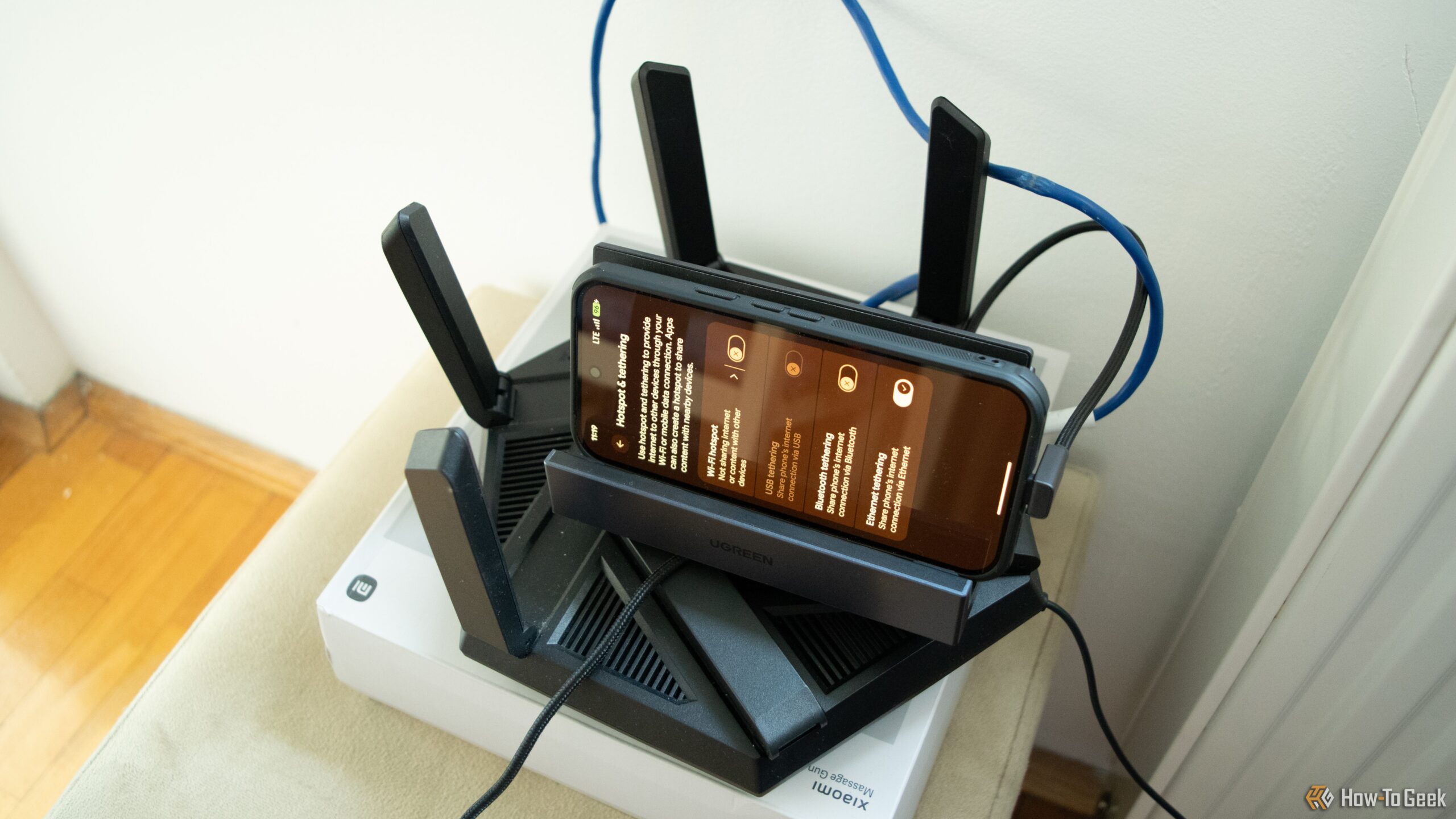
Perhaps the most surprising trick: your phone can act as a modem for your main router, getting every device in your household online through your mobile connection. Connect the phone to the router via USB or Ethernet tethering, and the router distributes that connection to everything in the house — a lifesaver during an outage or in a home without fixed broadband.
Tips For Running A Hotspot All Day
Running a hotspot for hours drains the battery fast and can make the phone run warm. Keep the phone plugged into a charger or power bank, place it somewhere it can cool off, and turn on a charge limit if your phone offers one. On road trips, this setup gives every device in the car — including the car itself, if it supports Wi-Fi — a steady internet connection.
Also Read: 4 Powerful Google Maps Customizations Hidden in Your Settings and 5 Google Maps Features You Probably Never Knew Existed (And How to Use Them)
Source: How-To Geek — read the full story there.