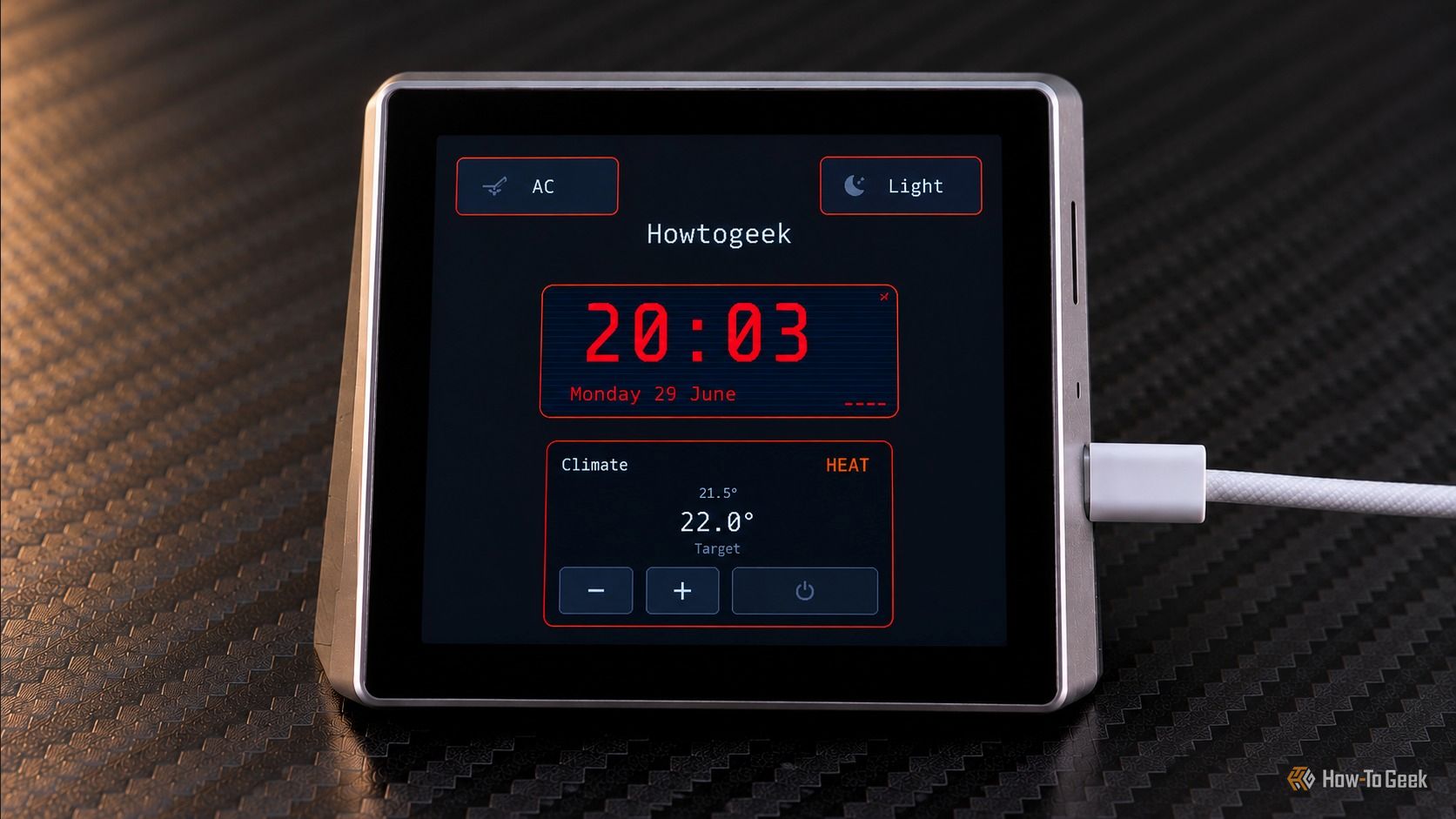
A dedicated smart-home control panel makes Home Assistant much easier to live with — no phone, no voice commands, just tap a screen. The problem is that dedicated smart displays cost far more than the hardware inside them. Enter vESP Cloud, a free, open-source visual editor that lets you design a Home Assistant dashboard in your browser and generate the firmware — no heavy coding required.
ESP32 touchscreen dashboard (Credits: How-To Geek)
Build Your vESP Cloud Home Assistant Dashboard Without Writing Firmware
The hardware behind the project is the Guition ESP32-S3-4848S040, a touchscreen display module with a 480 × 480 RGB screen, an ST7701S display driver, and a GT911 touch controller. Comparable modules can be picked up for around $25 through online marketplaces such as AliExpress, making a small smart-home control panel an inexpensive project.
The trick is the interface. Instead of defining every element’s position and appearance in configuration files, vESP Cloud gives you a drag-and-drop canvas representing the physical display. Each project starts with a Home page and a 480 × 480 canvas; you can add more dashboard pages, rearrange them, and create separate detail views for controls you don’t need visible all the time.
The editor supports a solid range of widget types: text, digital clocks, buttons, icons, lights, HVAC controls, weather forecasts, calendars, images, and to-do lists. Widgets can be resized and positioned freely, and you can organize content with tabs and conditional areas — tabs stack multiple widget groups in the same space, while conditional areas show different content depending on Home Assistant states, time, or conditions you configure.
Retro and Modern Themes, Plus Smarter Integrations
That conditional logic is what makes the dashboards feel genuinely smart. A media control area could show playback buttons when a player is active and switch to playlist shortcuts when it’s idle. There’s also an optional notification overlay that displays alerts over the current screen, and buttons can trigger Home Assistant services with confirmation prompts for actions you don’t want to hit accidentally.
The editor ships with retro and modern themes — retro uses a black background with bright cyan and magenta accents, while modern uses darker grey tones with blue, purple, and green accents.
Getting your devices in takes a little setup. A companion tool called HA Metadata Exporter exports your Home Assistant entities to a JSON file you import into vESP Cloud, so you can search for devices instead of typing entity IDs by hand. One caveat: the export doesn’t update automatically, so you’ll need to generate a fresh file when your entities change.
Also Read: I Let a Local LLM Run My Heating for a Week to Beat Nest and Ecobee — Here’s What Actually Happened | Your Samsung Galaxy Has Hidden Button Shortcuts: How to Unlock the Side Key, Back Tap, and More
Source: How-To Geek — read the full story there.