Think you know everything Android Auto can do? Google has quietly rolled out a batch of updates that go well beyond the headline Gemini AI upgrade — and three powerful features in particular are easy to miss. Here is what they do, and how to make the most of them on your next drive.
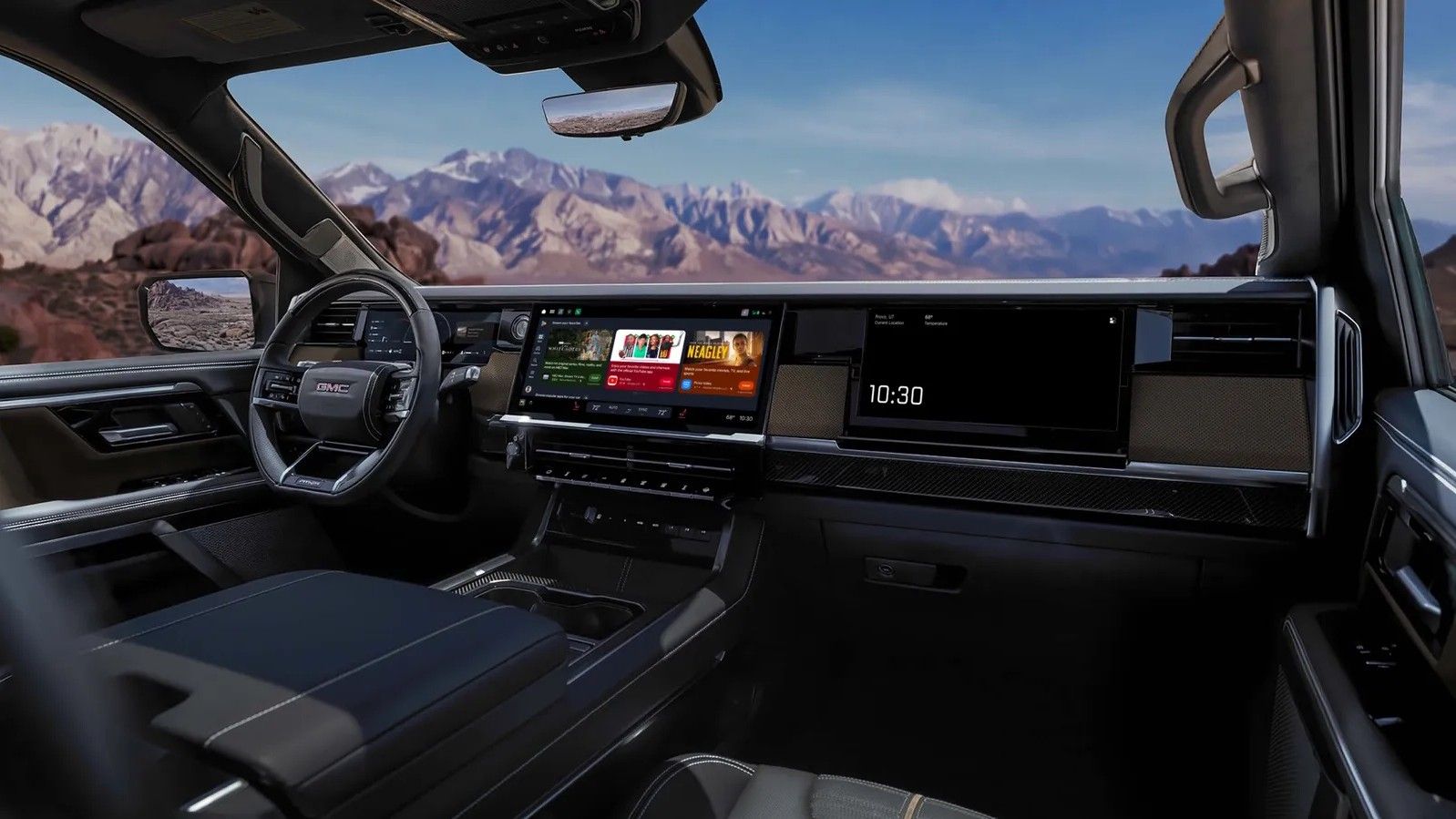
Android Auto (Credits: How-To Geek)
The wider update gives Android Auto a fresher look and better usability. Third-party apps now fit different car screens more naturally, automatically adjusting to the screen resolution, while Material 3 Expressive brings a unified, cohesive colour scheme across the system. But the real upgrades are the ones that change how you actually use your car.
1. A Revamped YouTube App That Turns Into a Podcast When You Drive
A revamped version of YouTube is now available on Android Auto, and it is more than a visual overhaul. The app fits varying screen sizes better thanks to improved optimisation, and it is built around a simple, sensible rule: you can watch full-sized YouTube videos while the car is parked, but the moment you start driving, YouTube automatically switches to audio-only mode.
The video keeps playing in the background and transitions seamlessly, so in effect your video becomes a podcast for the road. It is a neat safety-first design — you never lose your place, and you never have to fiddle with playback while driving.
There is one catch worth knowing before you try it: you need to be a YouTube Premium subscriber to access this feature.
2. Widgets You Can Actually Use While Driving
Google now lets you add far more widgets to Android Auto than before, and they stay visible all the time — even while you drive — so you can glance at them without digging through menus.
Material 3 Expressive automatically applies the local Android Auto theme to your widgets, matching the colours of the wallpaper or system, and sizes adjust to fit your car’s screen. Beyond the usual Spotify or WhatsApp shortcuts, you can add the clock, your favourite photos, contacts, assorted Android Auto apps, and even specific Google Home shortcuts, plus compatible third-party apps. It is worth experimenting: a well-chosen widget row can put your most-used controls a single glance away.
3. Dolby Atmos Spatial Sound in Compatible Cars
The third upgrade pairs perfectly with the video-to-audio switch. Whether you connect via Bluetooth or a USB cable, Android Auto now supports spatial sound using Dolby Atmos in compatible cars.
That means if your car’s stereo supports it, music and audio should sound wider and more immersive than before — a genuine reason to revisit your favourite playlists on a long drive. It is the kind of upgrade that is easy to overlook in a changelog but hard to miss once you hear it.
Together with Gemini’s arrival on Android Auto — where it can read messages and emails, give context in natural language, and handle many of the tasks you would normally do on your phone — these three features show how much the platform has grown. If you have not explored Android Auto lately, it is worth a fresh look before your next trip.
Also Read: Turn Your Old Android Phone Into a Guest Remote Anyone Can Understand | I Hate Smart Home Appliances, So I Built These Home Assistant Automations Instead
Source: How-To Geek — read the full story there.