Your local LLM keeps making things up, and your old laptop can’t run anything bigger. Here’s the fix: give your small model an offline copy of Wikipedia it can look things up in — turning a weak local chatbot into a surprisingly accurate research assistant.
Kiwix Wiki MCP Server (Credits: How-To Geek)
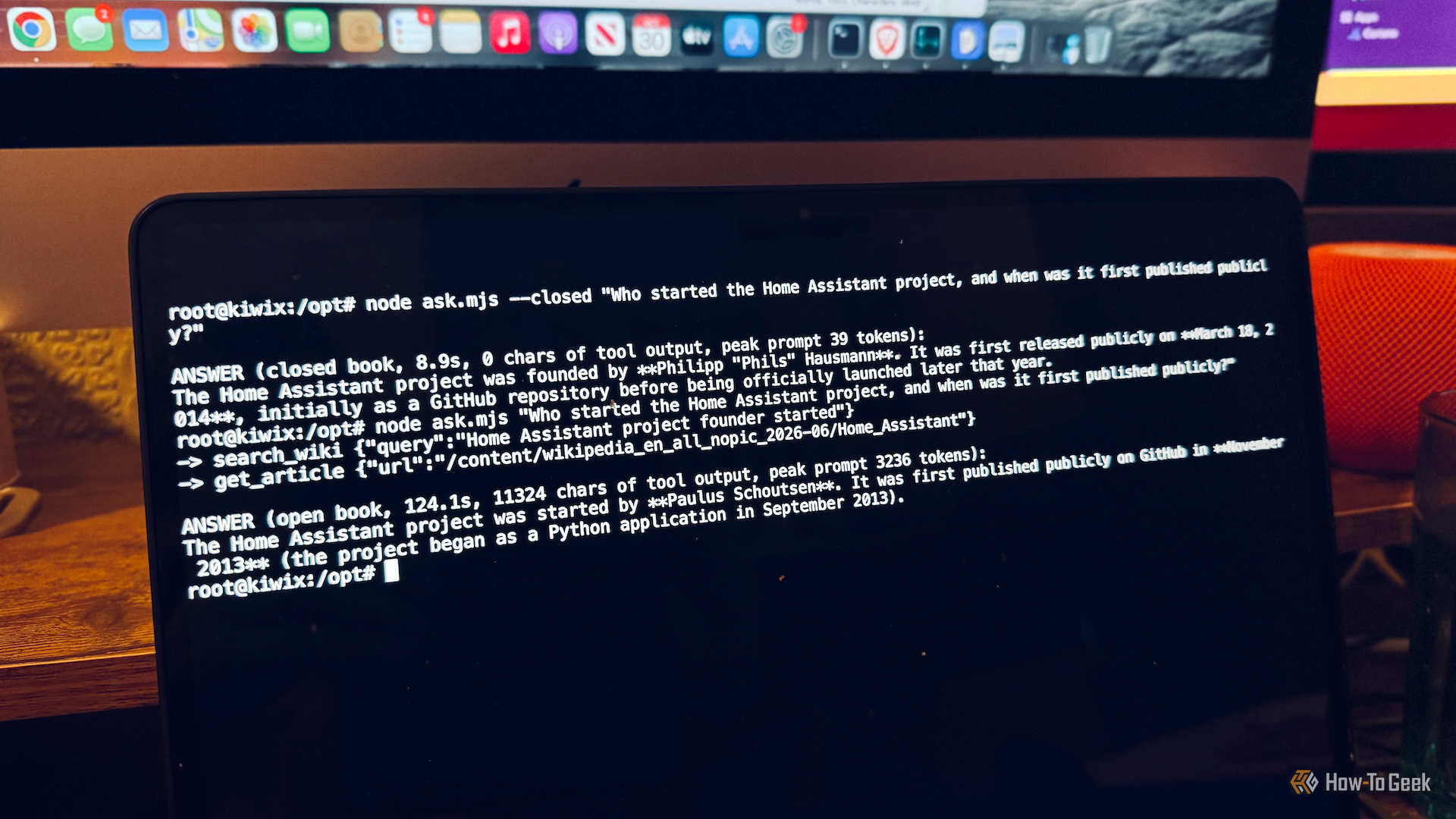
The problem is real. Small local LLMs can run on modest hardware — anything with 8GB of RAM or more is enough to start — but their tiny knowledge bases mean they hallucinate convincing-sounding facts when they don’t know the answer. A small model might know the capital of France; ask it something niche and it will invent an answer rather than admit ignorance.
Kiwix Wiki MCP Server: How to Connect Your Local LLM to Wikipedia
The solution is the Kiwix Wiki MCP Server. Kiwix is a free app for reading offline websites — it can serve an entire offline copy of Wikipedia from your own computer. The MCP server uses the Model Context Protocol to connect Kiwix to your LLM, letting the model search Wikipedia whenever it needs a fact. Effectively, you’re hosting your own library of facts the LLM can consult before answering.
Why Local LLMs Are Worth It Anyway
Cloud-based models like ChatGPT and Claude process every prompt on someone else’s servers. Local LLMs keep your prompts private — but capable models need powerful hardware with lots of RAM and a strong GPU. With RAM prices skyrocketing (memory makers shifted focus to the high-bandwidth memory AI data centers demand), a Kiwix + small model combo is the most affordable path to private AI that doesn’t invent facts.
It’s the perfect first project for anyone curious about local AI: pick up an open-source local model, point it at your offline Wikipedia, and watch the hallucinations disappear.
Source: How-To Geek — read the full story there.