Got a new laptop and an old one gathering dust? Don’t recycle it just yet. That aging machine can take over the background jobs that slow your new laptop down and drain its battery — turning a device you were about to discard into the hardest-working computer in your home.
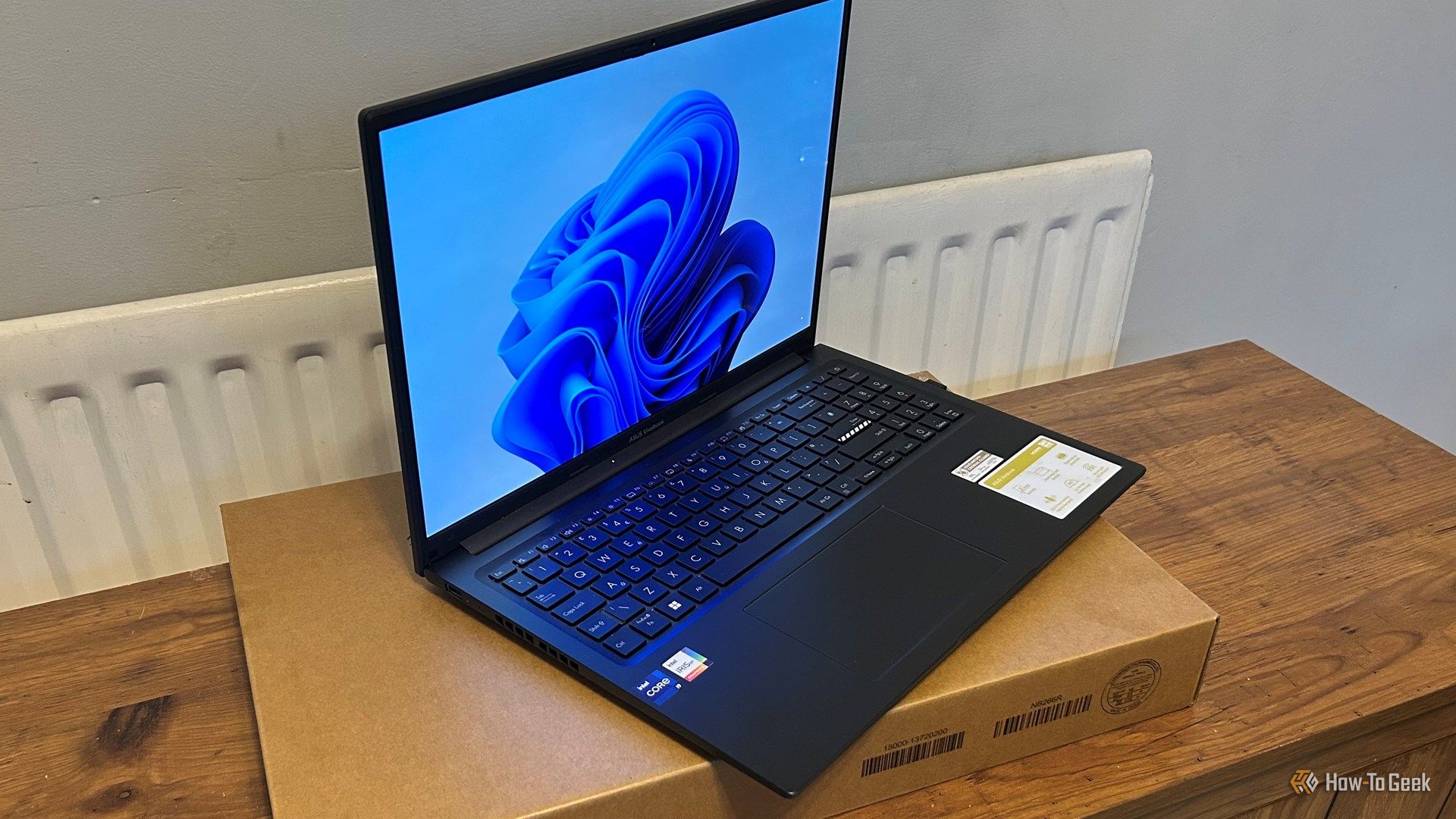
Old laptop (Credits: How-To Geek)
Most people hang on to an old laptop out of guilt, or simply because they are not sure what to do with it. But a second laptop does not have to be a backup device or an emergency spare. Used smartly, it makes your main machine better by handling the always-on tasks in the background.
Turn Your Old Laptop Into a Home Server
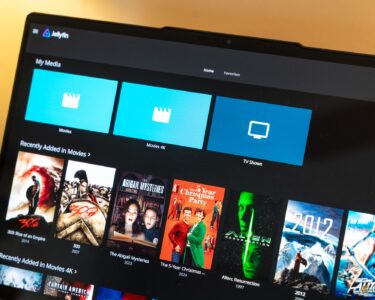
One of the best uses for an old laptop is as an always-on home server. Older machines are more than capable of running lightweight background jobs like Docker containers, a Plex or Jellyfin media server, Pi-hole for blocking ads across your whole network, or Home Assistant for smart home control. When those run on their own machine, they stop hogging CPU and RAM on your main computer — so your new laptop runs cooler and its battery lasts longer.
A light operating system like Ubuntu Server or Proxmox VE runs comfortably on older hardware because there is no heavy desktop interface to deal with. Laptop processors are also designed to sip power, so an old laptop acting as a server can draw just a few watts when idle with the screen off.
There is a bonus most people overlook: the battery already inside. It works like a small uninterruptible power supply, so if the power blips or cuts out for a moment, your server stays up and you don’t lose a media stream or kill a home automation script.
Running a laptop 24/7 does come with battery and heat risks, though. Leaving it plugged in at full charge all the time wears the battery cells, and heat inside a tight chassis can cause a battery to swell over time — potentially bending the case or cracking the trackpad. To avoid this, check for a battery charge limit in your laptop’s software; HP, Lenovo, Dell, ASUS and Microsoft Surface all offer settings that stop charging at 50% to 80%. If the battery is removable, you can simply pull it and run off the power adapter, and always keep the machine on a hard, flat surface with airflow underneath.
Turn Your Old Laptop Into a NAS Backup Box
Another strong option is turning your old laptop into a network-attached storage box or a dedicated backup spot. With OpenMediaVault or TrueNAS installed — or even a normal Linux setup with shared folders — your old laptop shows up on your home network as a small file server. Your new machine can then back up to it automatically using Windows File History, Time Machine on a Mac, or a scheduled rsync job.
You can usually squeeze more storage out of it, too. Most older laptops have room for a 2.5-inch SATA drive or an M.2 SSD, and if the laptop has an old optical drive you no longer use, a cheap caddy lets you swap it for a second hard drive.
The payoff is the same in both roles: your new laptop stays fast and cool because the boring, always-on work lives somewhere else — on hardware you already own.
Also Read: I Run Dozens of Docker Containers, But These 7 Belong in Every Homelab | 5 Windows 11 Settings That Actually Make Your Laptop Battery Last Longer
Source: How-To Geek — read the full story there.