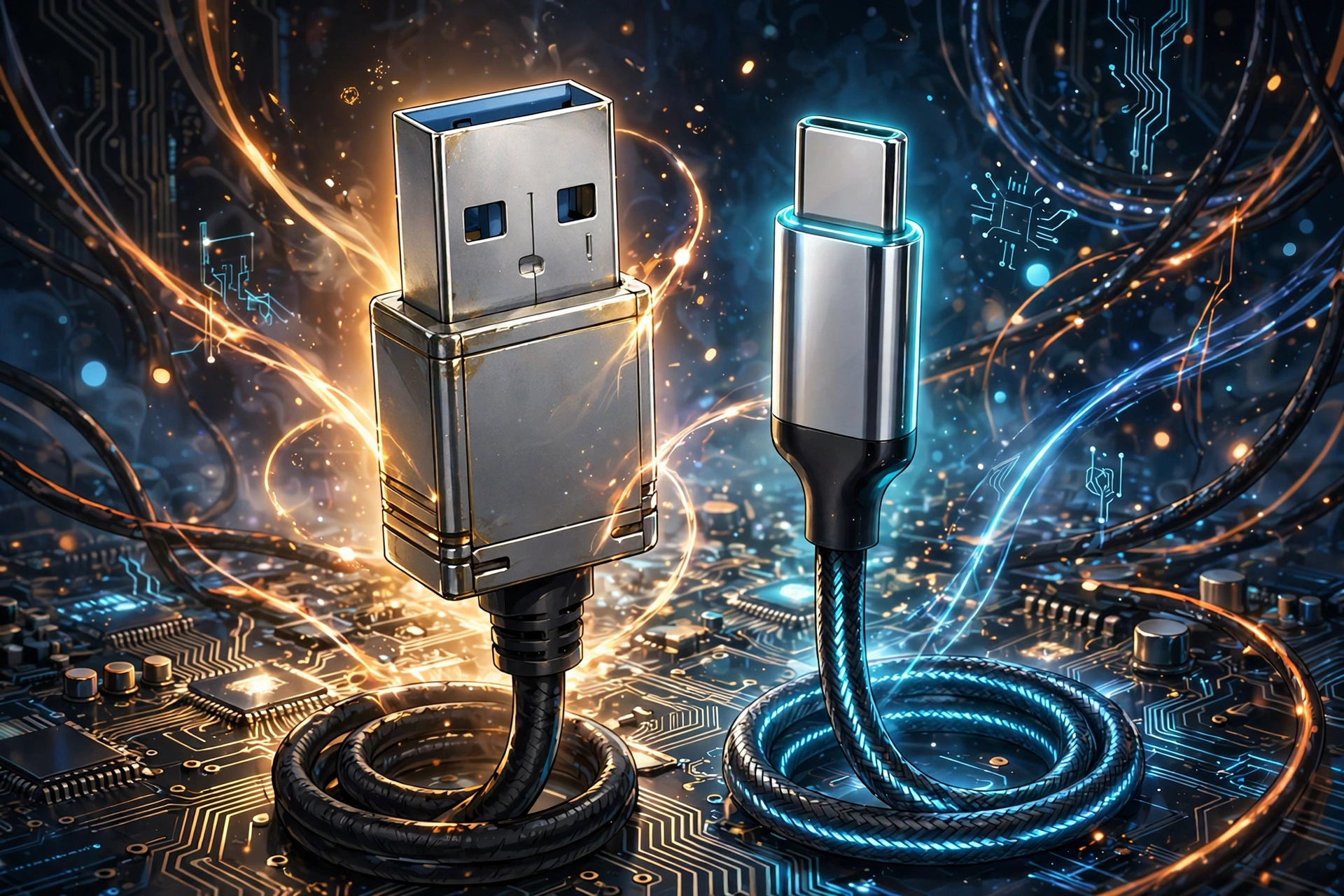
USB-A turns 30 years old this year, and despite USB-C taking over phones, laptops and tablets, the old rectangular plug refuses to die. In fact, for several everyday jobs, USB-A still does the work better than its sleeker successor — because convenience, it turns out, is not everything.
USB cables (Credits: How-To Geek)
USB-A vs USB-C Charging: When the Old Plug Just Works
It sounds backwards, but some USB-C gadgets will happily charge through a USB-A-to-C cable while refusing to charge from a USB-C-to-C connection. The reason, as accessory maker Plugable explains, is that USB-C devices are supposed to carry tiny pull-down resistors that tell a charger they are ready to receive power. Some cheaper gadgets skip those resistors, so the charger never recognises them and supplies nothing.
USB-A has no such detection step for basic 5V power. Plug in a simple USB-A-to-C cable and the power flows — a handy rescue when a finicky gadget refuses to cooperate with a modern charger.
USB-A Compatibility With Mice, Keyboards and Dongles
USB-A’s greatest strength is simply how long it has been around. Decades of mice, keyboards, printers and other accessories still use the connector, and none of them stopped working just because USB-C became fashionable. Even brand-new peripherals sometimes still prioritise USB-A — the author’s own keyboard, a couple of years old, still connects that way.
The same goes for wireless dongles. Plenty of modern mice and keyboards, including expensive gaming gear, still ship with tiny USB-A receivers. Since those dongles need barely any bandwidth, switching to USB-C would not make a mouse faster or more responsive — a classic case of “if it ain’t broke, don’t fix it.”
So before you clear out that drawer of old cables, remember: the 30-year-old plug still earns its place on your desk, not out of nostalgia, but because it simply works with more of the gear you already own.
Also Read: The 6 Most Unusual Things You Can Do With USB Flash Drives in 2026
Source: How-To Geek — read the full story there.