ESP32 smart home DIY (Credits: How-To Geek)
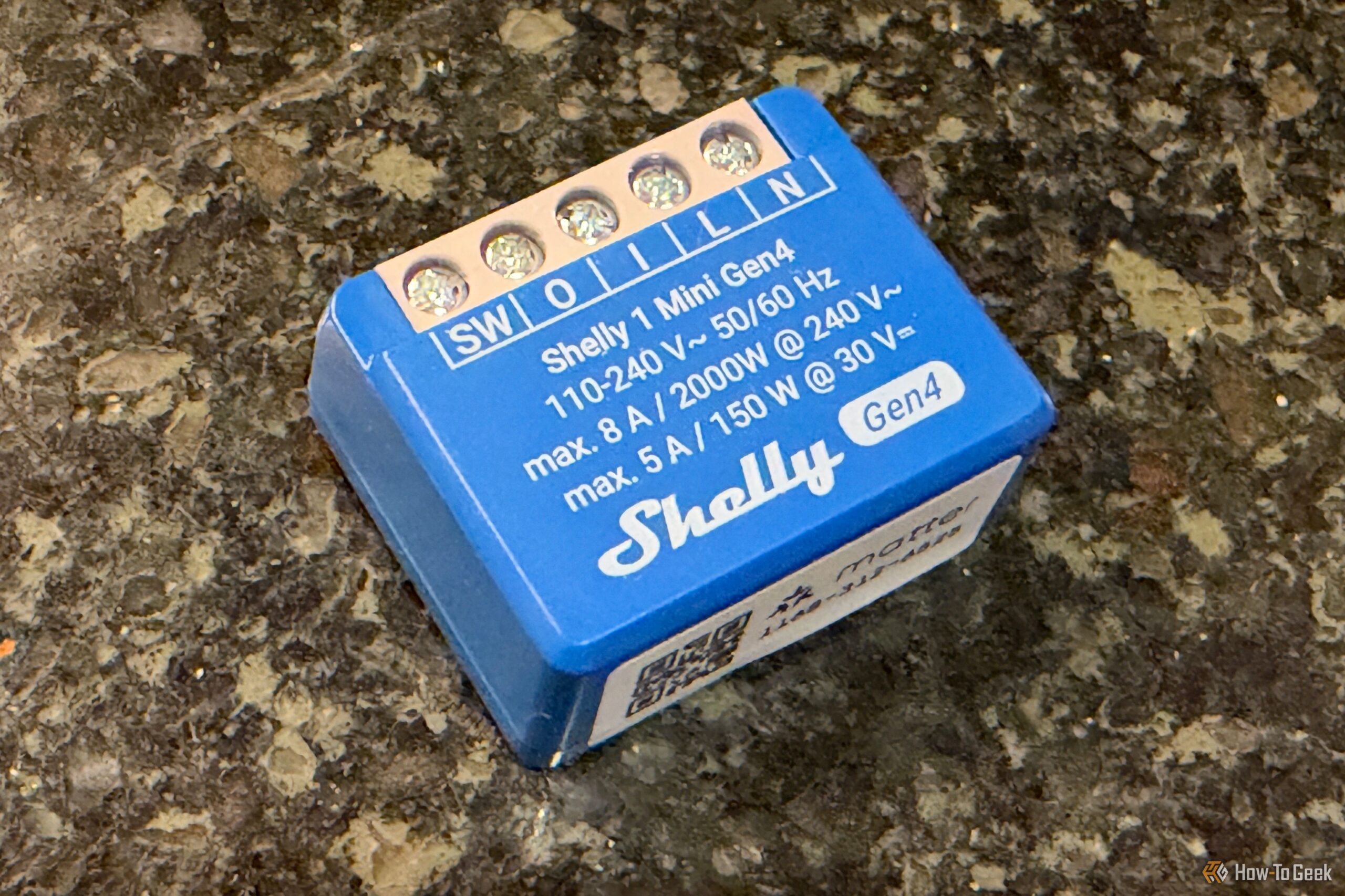
Want to build an ESP32 project but dread the soldering, wiring, and hunting for the right power supply? Here’s a shortcut: buy a cheap smart home device that already has an ESP32 inside — and flash it with custom firmware.
Some commercial products are built around ESP32 chips, and their hardware is already assembled, wired, and packaged. Flashing them lets you skip the hard part and jump straight to the fun part. Here are five reasons why it is the easiest way into ESP32 tinkering.
1. Flashing ESP32 Devices Skips All the Soldering
Building an ESP32 project from scratch can mean wiring up sensors, displays, buttons, LEDs, and relays — and sometimes soldering. Commercial products built around ESP32 chips have already done all that hard work, with every component already connected to the board. Flashing one with custom firmware lets you use the device for your own purposes without touching a soldering iron.
2. No Enclosures or Power Supplies to Hunt Down
A bare ESP32 board still needs a power supply, a cable, and ideally a case to keep it protected — buy or 3D-print your own. Off-the-shelf devices already come with power supplies and enclosures included, so your project starts life looking finished.
3. The Firmware Already Knows Your Hardware
Scratch-built projects force you to map GPIO pins and write code that talks to every sensor yourself. For supported devices, alternative firmware projects like ESPHome are often already configured to know exactly which components are connected — if a smart plug has an LED ring, custom firmware may let you control it from your automations with zero DIY wiring.
4. Escape the Manufacturer’s Cloud
Stock firmware is made by the manufacturer, which decides which features you get and whether they need the cloud to work. Custom firmware hands you the keys: you get far greater control, and sometimes features the original firmware never offered. The Ulanzi TC001 Smart Pixel Clock — a 256-pixel LED matrix display — becomes a full Home Assistant display with custom firmware, showing notifications, energy usage, temperature, and humidity.
5. Turn a $20 Gadget Into a Home Assistant Display
The Ulanzi TC001 is the perfect example: one cheap gadget, one flash, and you have a smart display on your shelf without building your own LED matrix. Flashing existing devices is the fastest, cheapest way to make ESP32 projects actually happen.
Also Read: Your Smart Home Needs Spare Water Leak Sensors — I Learned The Hard Way
Also Read: I Turned My Router’s USB Port Into a Free NAS — and It Ruined My Network
Source: How-To Geek — read the full story there.