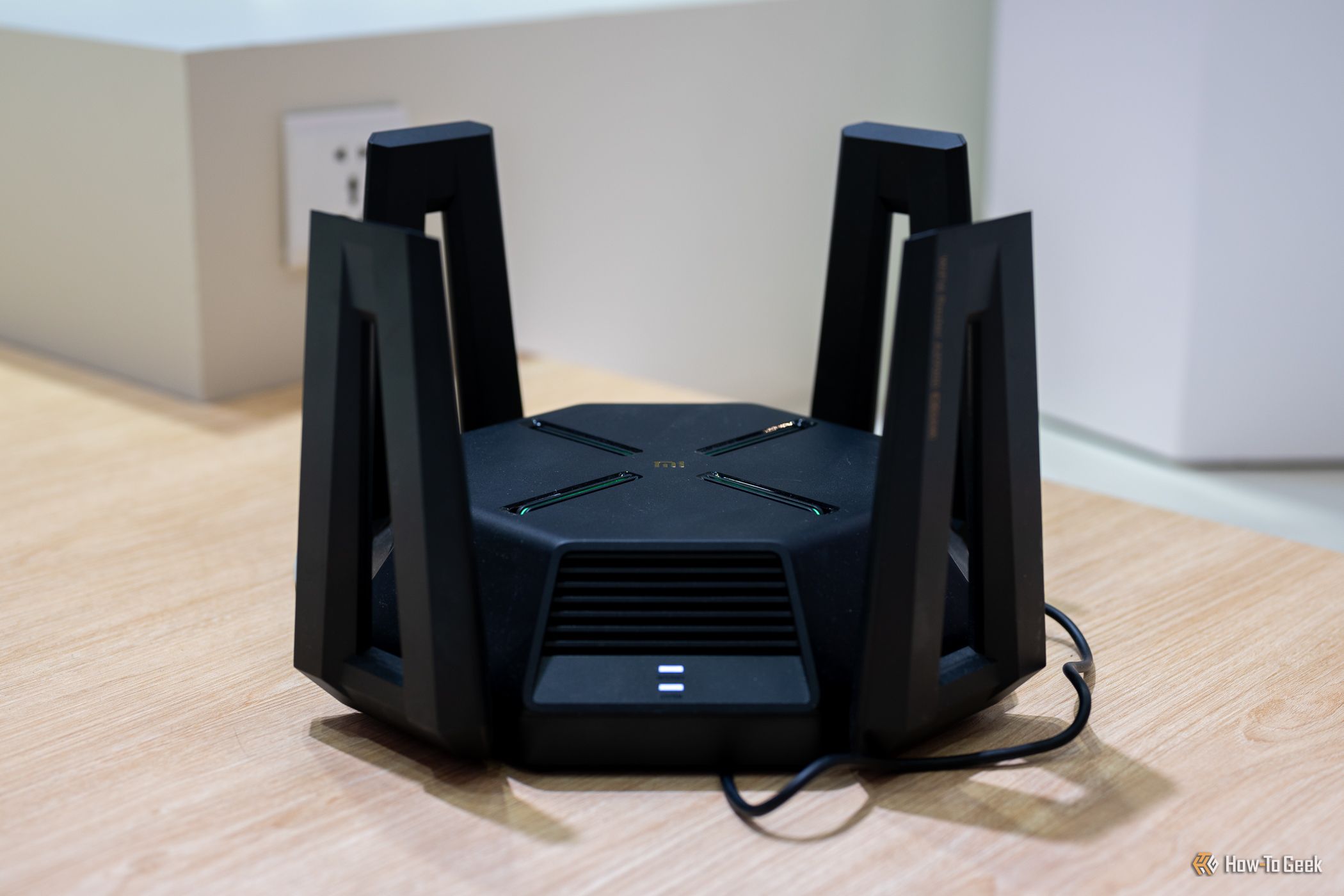
That USB port on the back of your router looks like a free NAS waiting to happen — plug in a spare drive, and every device in your house can share files. It actually works. But before you do it, know this: using your router as a file server can slow down your entire network. Here’s why, and what to do instead.
Router USB port (Credits: How-To Geek)
How to turn your router into a free NAS
Most mid-range and high-end routers sold in the last decade include at least one USB port, and manufacturers actively market it as a storage feature. Netgear calls it ReadySHARE, ASUS bundles it under AiDisk, and TP-Link lists it as USB Sharing. The idea is identical: plug in a flash drive or external hard drive, flip a switch in the router’s admin page, and the drive appears as a shared folder across your network.
Under the hood, the router runs a small file server — usually Samba (SMB), the same protocol Windows uses for network folders. Many models also offer FTP access, a DLNA media server for smart TVs and consoles, and sometimes remote access from outside your home. A few even add basic download managers or Time Machine support for Macs.
Why a router NAS can ruin your network
The problem is hardware. A router’s processor is built for one main task: moving packets between your devices and the internet, with most of that work offloaded to dedicated networking chips. Serving files is a totally different job — the router’s general-purpose processor has to handle the file system, the Samba server, and the network transfer all at once, and consumer router chips are modest compared with even a cheap laptop.
In practice, that means heavy file transfers compete with your internet traffic. Streaming a movie off the router drive while someone games online can introduce lag, stutter, and slowdowns you didn’t have before. For light use — occasionally sharing a few documents or photos — it’s fine. But as a full NAS replacement, it will choke.
What to use instead of a router USB drive
If you want real network storage, a dedicated NAS from Synology or QNAP (a few hundred dollars before drives) or a home server built from an old mini PC will run circles around the router’s USB port. Even How-To Geek points to cheaper paths: an $11 adapter can turn a useless old laptop into a surprisingly powerful home server.
Bottom line: the router USB port is a handy trick for the occasional file, not a free NAS. Use it lightly — or get real hardware.
Also Read: How to Use the SORT Function in Excel: Sort Data Automatically Without Re-Sorting
Also Read: Wild Clearance Deal: Base M5 MacBook Pro Drops $650 to Just $1,350 on Amazon
Source: How-To Geek — read the full story there.