Got four RAM slots and two spare sticks lying around? Filling every slot feels like free performance — more memory must be better, right? On modern DDR5 systems, it can actually backfire: slower speeds, longer boot times and shakier stability. Here is why four sticks often run worse than two, and what to buy instead.
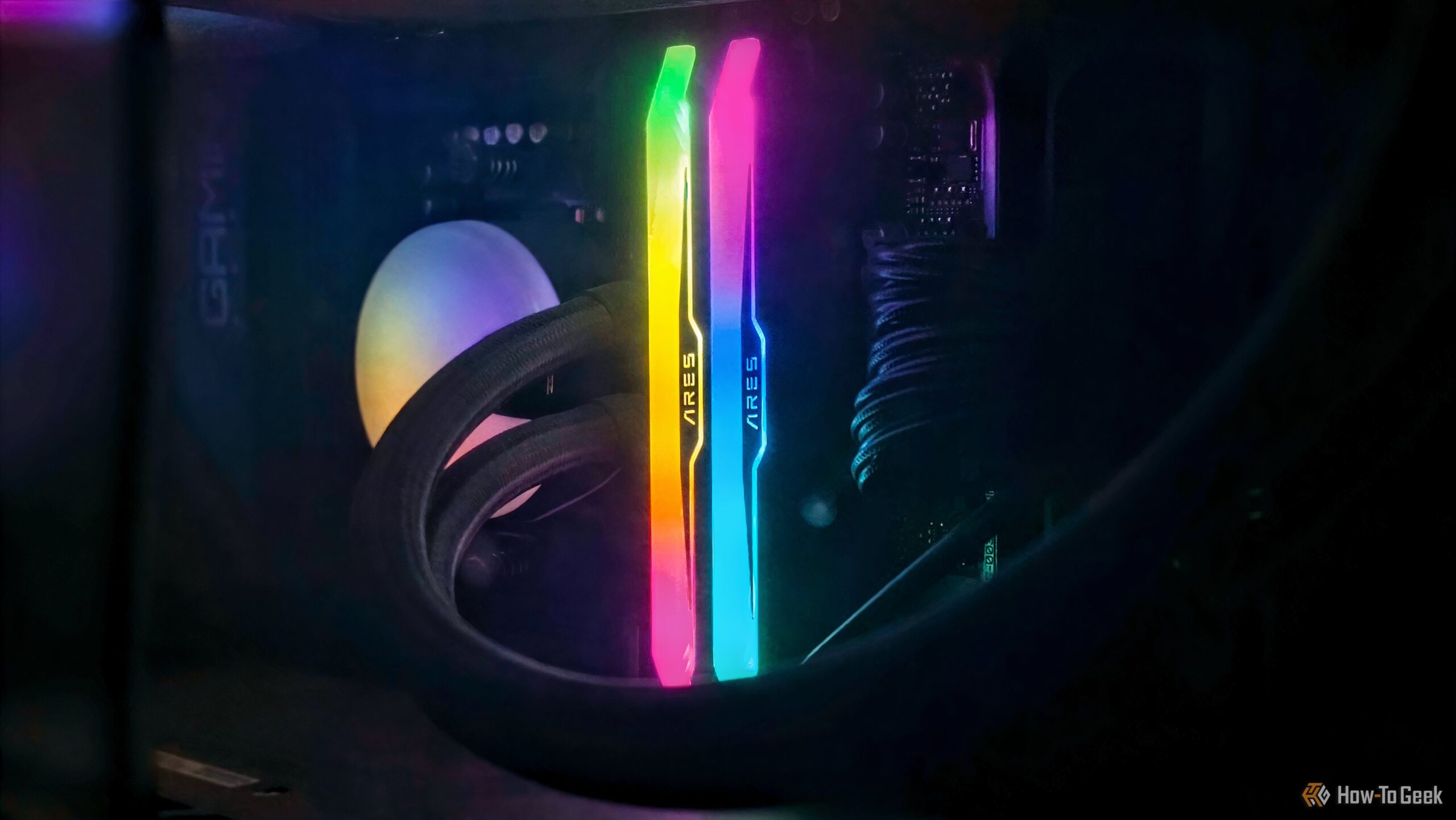
RAM (Credits: How-To Geek)
Why Four RAM Slots Does Not Mean Four Times the Speed
Every modern desktop processor talks to memory through an integrated memory controller built around channels. Mainstream Intel and AMD platforms have two channels, and each channel can host up to two modules. That is why most boards ship with four slots, labelled A1, A2, B1 and B2 — two per channel.
Install two sticks in the right slots (usually A2 and B2) and each stick gets its own dedicated channel. That is dual-channel operation, and it already gives you the full bandwidth the platform offers. Adding a third and fourth stick does not add more channels — it just puts two modules on each one, a layout engineers call two DIMMs per channel (2DPC).
Rank matters too. Rank describes how a module’s chips are organized into groups the controller addresses. Single-rank modules present one group, dual-rank modules present two, and higher-capacity sticks such as 32GB DDR5 modules are more often dual-rank. The controller must manage every rank on a channel, so the total rank count — not just the stick count — decides how hard it is working.
How Four RAM Sticks Slow Your PC Down
The trouble is electrical load. Every extra module on a channel adds signal reflections and noise, and DDR5 runs at such high data rates that the margin for error is thin. The memory controller compensates by relaxing speeds and timings — which is why a kit rated for 6000 MT/s may refuse to run at that rate once all four slots are filled. Reports from builders put the fallback anywhere from roughly 3600 to 5600 MT/s, depending on the platform, kit and motherboard.
The practical advice is simple: if you want more capacity, buy a two-stick kit at the capacity you need rather than adding two more sticks to an existing kit. Two larger modules in A2 and B2 will almost always run faster and more stably than four smaller ones. And if you already own four sticks, check your motherboard’s qualified vendor list and be ready to accept a lower speed — stability beats a headline spec your system cannot hold.
More capacity is only an upgrade if your system can actually use it at full speed. Otherwise, those two extra slots are best left empty.
Also Read: 8 Free PC Upgrades Hiding in Your Junk Drawer, From Spare RAM to a Forgotten USB-C Cable | Don’t Throw Away Your Old Laptop: Turn It Into a Home Server and Backup Machine for Your New One
Source: How-To Geek — read the full story there.