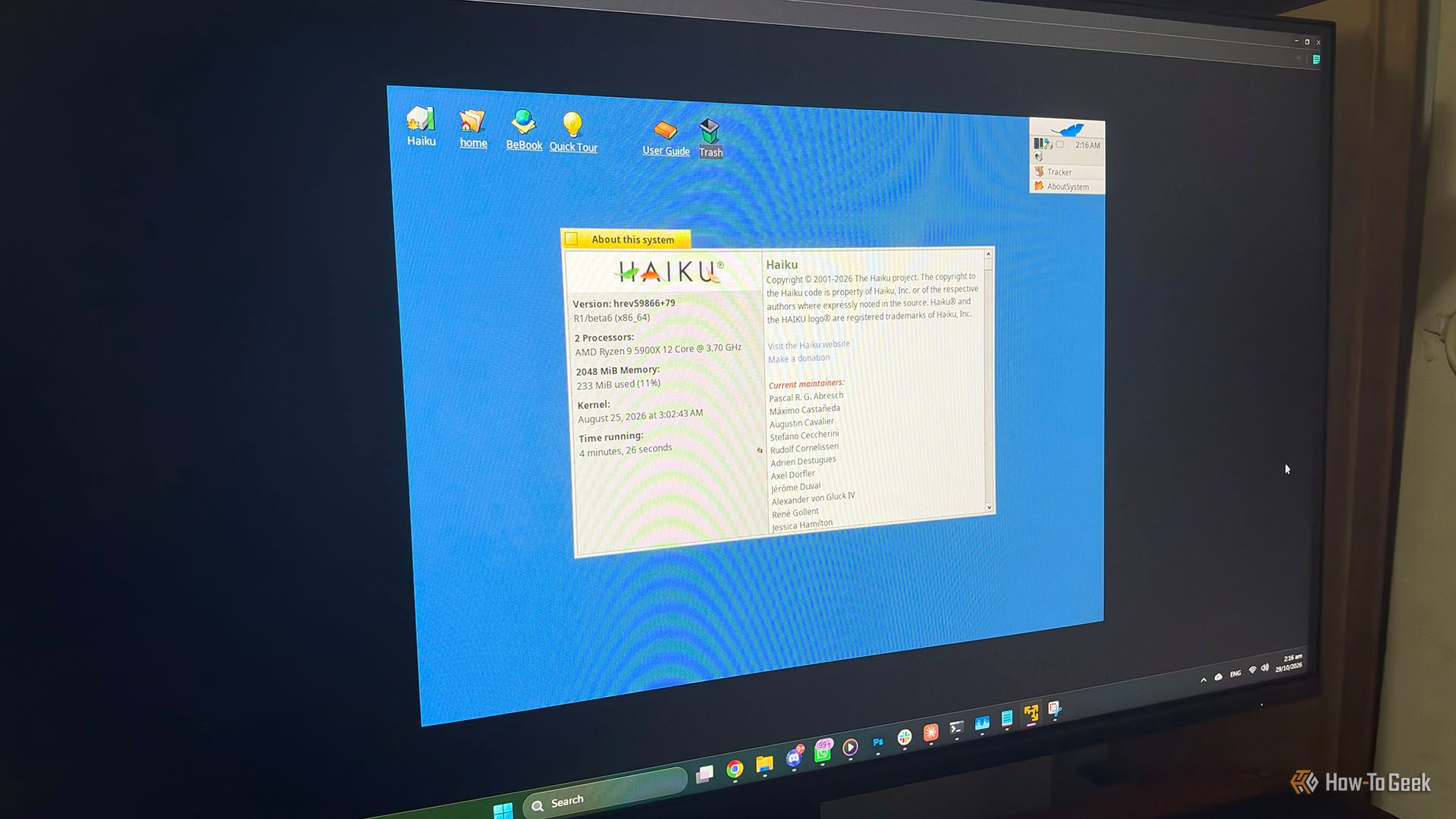
Got an old computer gathering dust that even lightweight Linux can’t save? Before you recycle it, consider a forgotten alternative: Haiku OS, the open-source reincarnation of BeOS from the 1990s. It’s fast, modern-feeling, and — on truly ancient hardware — it can run circles around modern Linux distributions.
Haiku OS running on a VM (Credits: How-To Geek)
What Is Haiku OS and Why Is It Perfect for Old PCs?
Haiku OS is an open-source operating system that picks up where BeOS left off. Unlike Linux, which keeps growing heavier with each kernel release, Haiku was designed from the ground up for responsiveness — and that design shows on old machines. Where a modern Linux distro might demand 2GB of RAM and a 64-bit dual-core chip just to feel usable, Haiku is comfortable on hardware most distros left behind years ago.
The secret is its architecture. Haiku is tightly integrated rather than a collection of layered components, which means less overhead between you and your hardware. Boot times are snappy, the desktop feels instant, and the whole system sips resources instead of gulping them.
Getting Started With Haiku on Your Old Computer
Step 1: Check your hardware. Haiku supports x86 and 64-bit machines, and it thrives on exactly the kind of aging Pentium-era or early Core hardware that modern Windows and Linux have abandoned.
Step 2: Download the latest nightly build. Haiku is still technically in development, so grab the newest nightly image from the official site for the best hardware support.
Step 3: Try it live first. Burn the image to a USB drive and boot from it — no installation needed. You’ll know within minutes whether it breathes life into your machine.
Step 4: Install if you like it. Haiku’s installer is quick and simple, and a full installation typically takes just a few minutes even on old drives.
Is Haiku Right for You?
Haiku won’t replace your daily driver — its app ecosystem is small compared to Linux’s. But for web browsing, media playback, and general tinkering on a machine that was headed for the trash, it is a surprisingly delightful option. Sometimes the best tool for ancient hardware isn’t the lightest modern OS — it’s the one that was designed to be fast from day one.
Also Read: I Bought a $100 Intel iMac and Linux Made It Useful Again — Here’s How Old PCs Get a Second Life
Also Read: I Finally Found a Distro That Convinced Me to Quit Linux Mint: Fedora Workstation
Source: How-To Geek — read the full story there.